How to use Bitcoin Lightning!
Install a Lightning Wallet
A wallet is just an app that holds your Bitcoin. Look for one that says it supports Lightning. There are two kinds:
- Custodial — the app holds your Bitcoin for you. Easiest to start with, works like any payment app.
- Self-custodial — you hold your own Bitcoin, with a recovery phrase to write down. More responsibility, more control.
Either works for buying here. Pick one that’s available where you live — these all let you buy Bitcoin right inside the app, so there’s no separate exchange step.
 United States
Strike
River
Cash App
Coinbase
🇨🇦 Canada & most other countries
Phoenix
Wallet of Satoshi
Strike
How to Buy a Video!
Put a little Bitcoin in it
You only need enough to cover what you’re buying — there’s no minimum to hold and no reason to buy more than you’ll spend.
Many wallets let you buy Bitcoin directly inside the app with a card or bank transfer.
Or buy on an exchange and withdraw to your wallet. If you do, withdraw over Lightning where possible — an on-chain withdrawal costs a network fee.
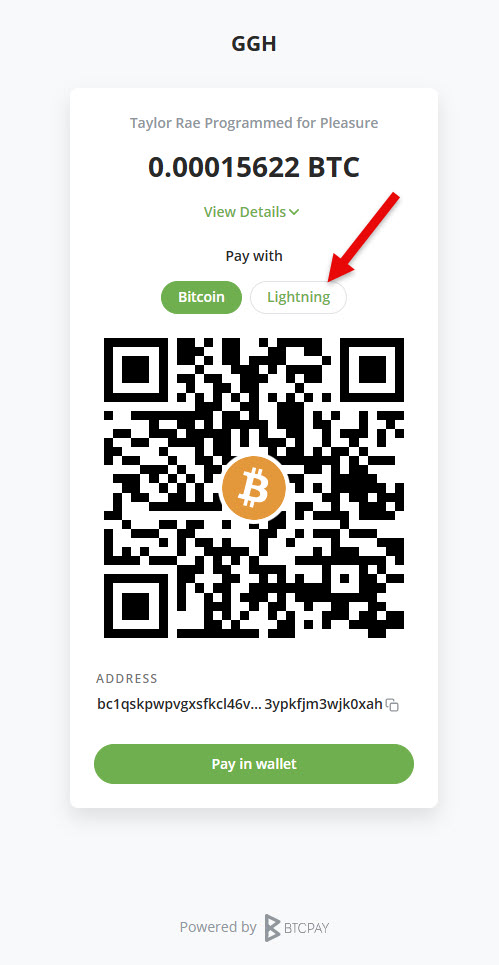
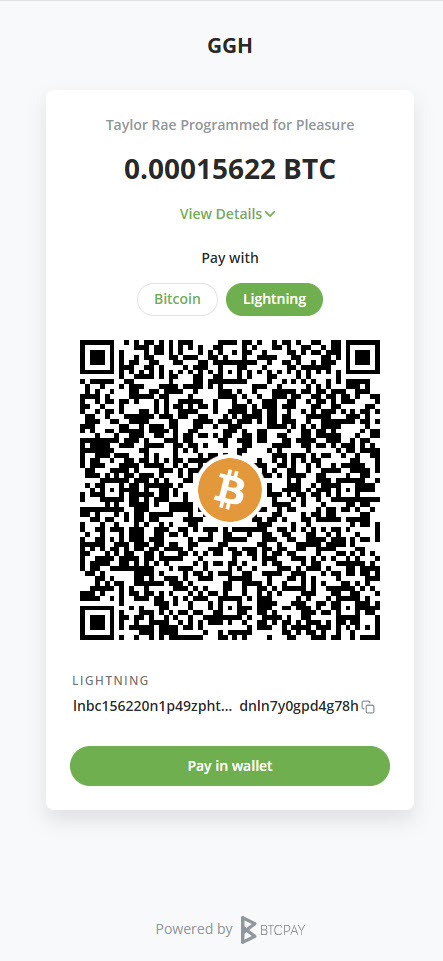
Amounts are shown in sats. A sat is the smallest piece of a Bitcoin: 100,000,000 sats make 1 BTC. A $15 purchase is roughly ten to twenty thousand sats, depending on the exchange rate that day.
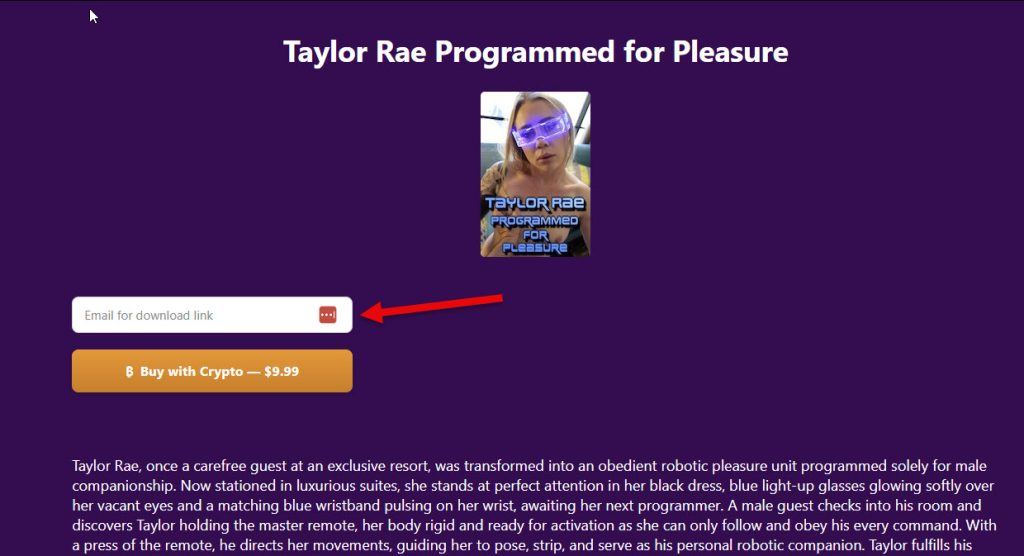
Step 1 - Select a Video
Using Cash.App
Using STRIKE App
Strike's FAQ Page
After Sending Bitcoin